
Loom
A teleprompter for Loom: say it right the first take
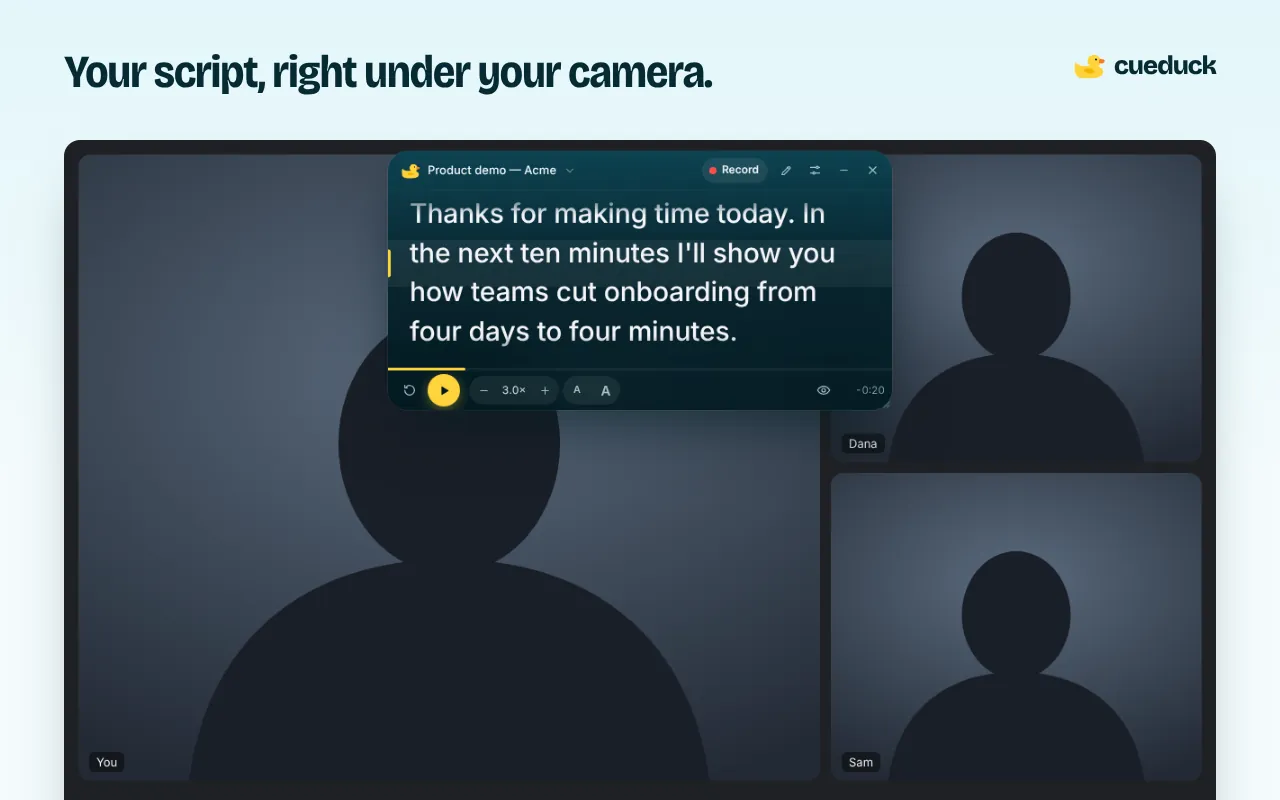
Open cueduck on the tab you're recording from, drag the script under your webcam and hit record in Loom. You read every word while looking at the camera, so you stop re-recording the intro.
On your phone? The extension installs in Chrome on a computer. Try the recorder here, or open this page on your laptop.
Free · No account · Your scripts stay on your device
Camera-only Looms
When you record just your camera, cueduck never appears in the video: the prompter is on your screen, the recording is your camera. This is the cleanest setup for intros, updates and personal video messages.
Screen + camera Looms
When Loom records your screen, it records what's on it. Two simple ways to keep the script out:
- Record a different tab or window than the one where cueduck is showing.
- Use the script for the camera-only intro, then hide it with Alt+Shift+T before you switch to the screen part.
Set it up
- Add cueduck to Chrome, free.
- Click the duck on your tab and paste the script. Use
# Introand# Demoto split it. - Drag it under your webcam, set a slow speed and start your Loom.
Want a video file instead?
If you just need a clean talking-head clip (for LinkedIn, a course or a pitch), cueduck's web recorder records your camera with the script on screen and keeps the script out of the video. It works on your phone too.
Questions
How do I read a script while recording a Loom video without it showing?
Record Loom with your camera bubble and keep the script in cueduck, a teleprompter that floats under your webcam in Chrome. Record a different tab or window than the one showing cueduck, and the script stays out of the video.
Will my script show up in the Loom video?
Not in camera-only recordings. In screen recordings, only if you record the tab, window or screen where cueduck is showing.
Does Loom have a teleprompter?
Loom offers speaker notes in some plans. cueduck puts a scrolling script right under your camera, so your eyes stay on the lens.
Is it free?
Yes. The free plan keeps one saved script with no account; Basic adds unlimited scripts, voice scrolling and Eye follow.