
Sales
A teleprompter for sales videos that still sound like you
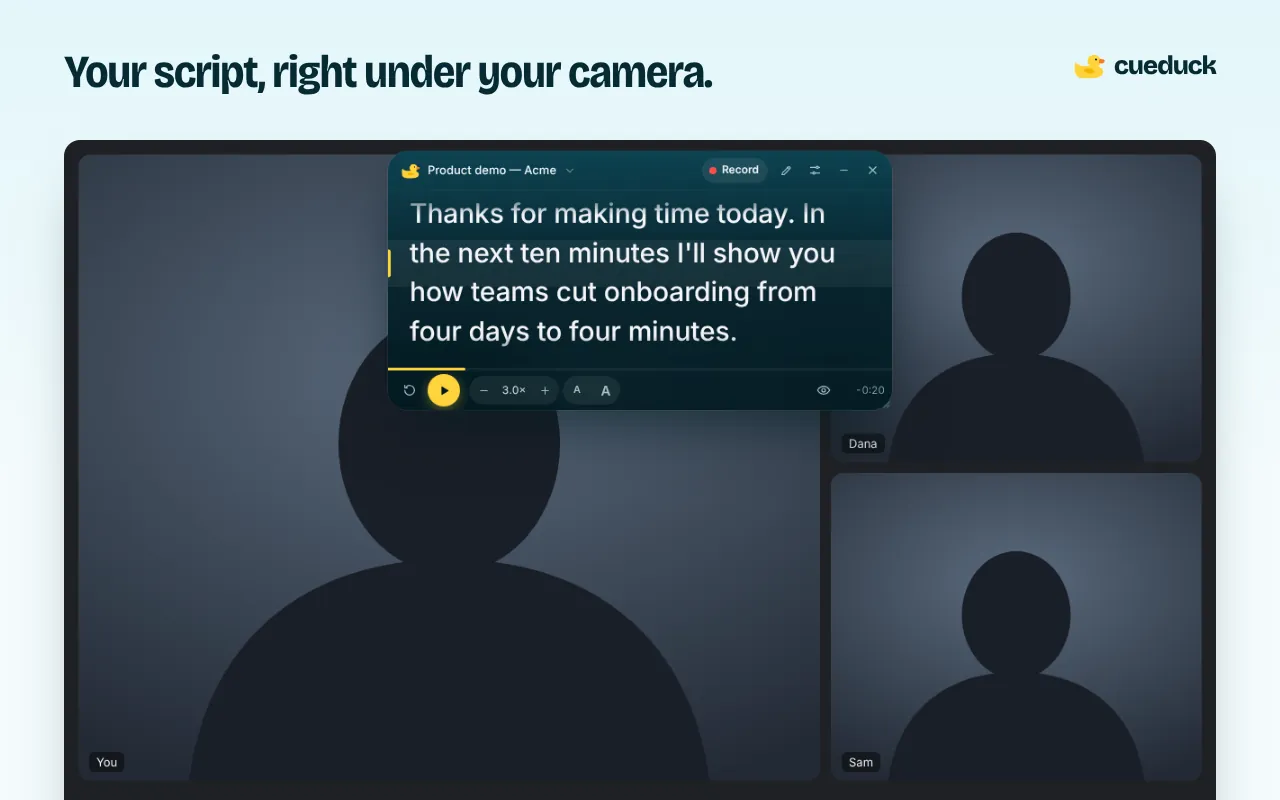
Write the message once, then read it while looking at the camera. cueduck floats your script under your webcam in Chrome, so your prospecting videos, demo intros and follow-ups are clear, short and personal.
On your phone? The extension installs in Chrome on a computer. Try the recorder here, or open this page on your laptop.
Free · No account · Your scripts stay on your device
Why sales reps use a teleprompter
- Shorter videos: a script stops the rambling that kills reply rates.
- Fewer takes: you stop re-recording the first 10 seconds.
- Same quality at volume: reuse a template and change the first line per prospect.
A simple video prospecting script
# Hook
Hi {Name}, saw {trigger}. 30 seconds, promise.

# Problem
Teams like {Company} usually lose time on {pain}.

# Proof
We helped {similar company} cut that by {result}.

# Ask
Worth a 15-minute look next week? [smile]
Use # sections to keep your place and [stage directions] as reminders. cueduck shows both but doesn't make you read them out.
Record it
- Add cueduck to Chrome and open the tool you record with in a Chrome tab (Loom, for example).
- Click the duck, paste the script and drag it under your webcam.
- Record camera-only for the intro so the script never shows.
Need a file to upload to LinkedIn or email? Use the web recorder: the script stays out of the video.
Questions
Will prospects notice I'm reading?
Much less when the text is right under the camera and you keep lines short. Personalise the first line so it sounds spoken.
Does it work with Loom, Vidyard or LinkedIn video?
We've tested it with Loom. It runs on any page in a Chrome tab, so other web recorders should work too; do a short test first. For a video file, use the cueduck web recorder.
Can my team use it?
Yes, each person adds the extension. The free plan keeps one script per person; Basic is per person too. Scripts are stored in each browser.