
Presentations
A teleprompter for online presentations and webinars
Share your slides, keep your notes under the camera. cueduck floats your talk track on the call tab in Chrome, so you look at the audience, not at a second screen.
On your phone? The extension installs in Chrome on a computer. Try the recorder here, or open this page on your laptop.
Free · No account · Your scripts stay on your device
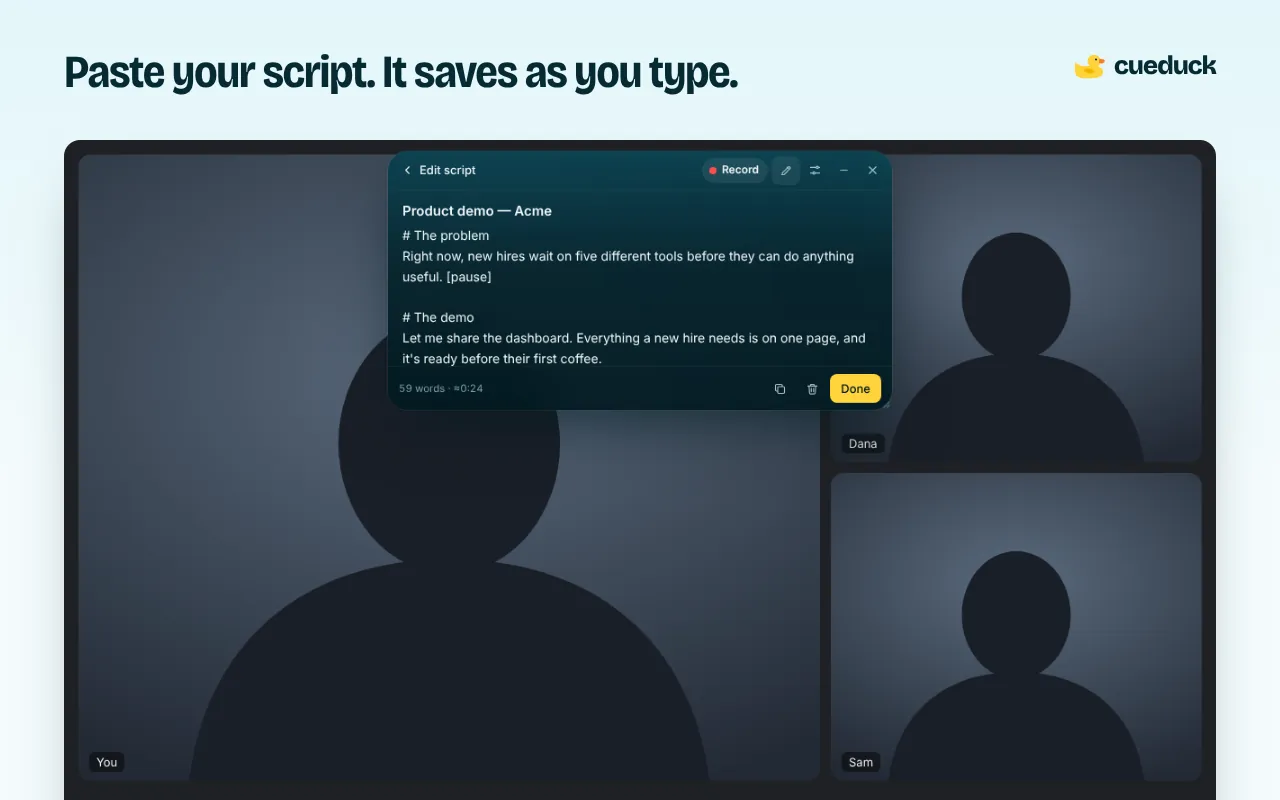
Speaker notes that don't pull your eyes away
Slide-tool speaker notes sit in another window, usually far from the camera. With cueduck the notes are right under your webcam, on the tab with your call, while you share your slides from another tab or window.
Set up for a presentation
- Add cueduck to Chrome and join your call in Chrome (Google Meet or Zoom in the browser).
- Paste your talk track, with a
# sectionper slide. - Share your slides as a window or tab, not the whole screen, so your notes stay private.
- Control it from the keyboard: Space to pause, arrows to nudge, [ ] for speed.
Webinar tips
- Script the first 60 seconds word for word; use bullet points after that.
- Turn on Eye follow (Basic) so the text waits when you look at chat or questions.
- Rehearse once and record it in the web recorder to check your pace.
Questions
How can I see my speaker notes while presenting slides on a video call?
Share only the window with your slides, and keep your notes in a teleprompter like cueduck floating under your webcam in the call tab. You read the notes near the lens while people see your slides, not your notes.
Can the audience see my notes?
Not if you share your slides as a window or tab other than the call. Sharing your entire screen shows everything on it.
Does it work with Microsoft Teams?
cueduck runs on any call that opens in a Chrome tab, so Teams on the web should work, but we haven't tested it yet: try it in a test call first. The Teams desktop app isn't a web page.
Can I jump between sections?
Yes. Use # headings in your script to mark sections and nudge with the arrow keys.